Analyze · Free
Song structure analyzer: every section of your track, with timings
Add a song and get each intro, verse, chorus, bridge and outro with its start and end time, plus the tempo and beats. Your audio stays as it was.
1,000 free tokens to start · No card needed · Cancel paid plans anytime
Do more with Section Analysis on Creator — from $9.99/mo, or ₹399/mo in India. 4,000 tokens a month. Billed $119.88 a year, or $12.49 month to month.
What you get
Know where every part starts
Each section comes back labeled, from intro and verse to chorus, bridge and outro, with its own start and end time.
Edits that land on the beat
You also get the tempo, beats and downbeats, so cuts, loops and video edits can fall on the bar.
Remembered for next time
The section map, tempo and downbeats are saved with the file, so Agent One can reuse them in later work on the same track.
Who it's for
DJs
See where the intro, choruses and outro fall before you plan mix points or an edit.
Video editors and content creators
Get the time of each section and the downbeats, so cuts can land where the music changes.
Producers and remixers
Map a reference track's arrangement before you build your own around it.
Music teachers and students
Show song form with real start times when you teach or study arrangement.
Wedding and event creators
Find when the final chorus starts so a first dance or an entrance can be cued to it.
When to use it
- You need to know where the chorus starts before cutting a shorter version
- A video edit should change scenes when the song changes section
- You're studying how a reference track is put together
- You're choosing which part of a song to loop, sample or remix
- An event cue has to hit a specific moment in a song
What you can make with it
A short edit, planned
Use the section times to plan a short version, such as one verse and the last chorus, before you cut it in AI Studio.
A first-dance cue
Find when the final chorus begins, so a first dance, a reveal or an entrance can be timed to it.
Music without vocals under speech
Look for sections labeled instrumental when you need a stretch of music without singing to sit under talking.
Mix-in and mix-out points
Use the intro and outro times to plan where to bring a track into a set and take it out.
A song-form lesson
Analyze a song and walk students through its verses, choruses and bridge with the real start times.
A verse lined up for Inpainting
Get the start and end of the verse you want to rewrite before you select it in Inpainting.
Your song next to a reference
Analyze your track and a reference and compare when each one reaches its first chorus.
A generated song's shape, checked
See whether a song you generated has the bridge or second verse you asked for before you build on it.
Screenshots
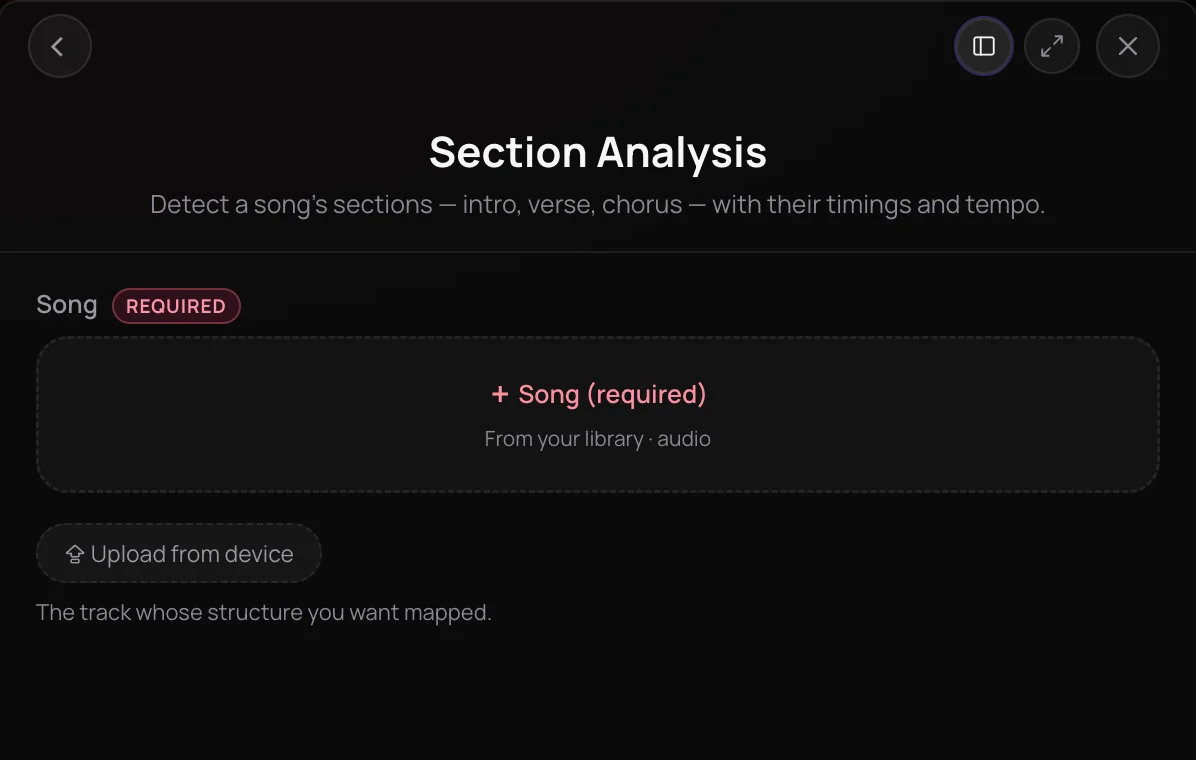
Section Analysis is Soundverse's song structure analyzer: it splits a track into labeled sections such as intro, verse, chorus, bridge and outro, each with a start and end time, and detects the tempo and beat grid. It helps producers, DJs, editors and video makers who need to know where each part of a song falls before they cut, loop, remix or sync to it. It only analyzes, so it never changes or creates audio.
See it in action
- Every AI Tool in Soundverse “Analyze”: Tempo and Key, Audio to Prompt, Transcription and More From 1:49. The Section Analysis part of Soundverse's Analyze walkthrough, from input to result.
How it works
Open Section Analysis
Find it in the Analyze section of AI Tools, or choose Analyze, then Song Sections on a track in your Library.
Add the song
Pick the track from your Library or upload it from your device. MP3, WAV, AAC, OGG, M4A, MP4 audio and FLAC files are accepted.
Run the analysis
Click Generate in Chat. Agent One runs Section Analysis on the whole track.
Read the sections
Agent One lists each section with its label and start and end times, plus the tempo. The map is also saved with the file.
Why use Section Analysis
Labeled sections with times
Each section comes back as intro, verse, chorus, bridge, instrumental, solo, break or outro, with its own start and end time.
Tempo and beat grid
Section Analysis also detects the tempo, beats and downbeats, the first beat of each bar, alongside the section changes.
Saved with your track
The section map, tempo and downbeats are stored on the file, so Agent One can reuse them in later work on the same track.
Analysis only
Nothing is generated or changed: Section Analysis reads the track and reports its structure, leaving your audio untouched.
What it costs
Works on the Free plan. New accounts get 1,000 free tokens. On the Free plan it runs through Agent One, which gives free accounts 3 runs in all; sharing unlocks the 2nd and 3rd.
- Analyze one track: 50 tokens (about $0.12–$0.16 on Creator, or ₹5–₹6 in India).
Agent One runs this tool for you, and the agent's own steps are metered on top of the tool's price: about 7 tokens a step in Lite mode, 54 in Standard mode and 128 in Pro mode, the default on paid plans.
Creator $12.49 a month, or $9.99 a month billed yearly ($119.88 a year) · Pro $31.24 a month, or $24.99 a month billed yearly ($299.88 a year) · Max from $72 a month, or $60 a month billed yearly ($720 a year).
In India (PayU): Creator ₹499 a month, or ₹399 a month billed yearly (₹4,788 a year) · Pro ₹1,299 a month, or ₹1,039 a month billed yearly (₹12,468 a year) · Max from ₹2,999 a month, or ₹2,399 a month billed yearly (₹28,788 a year).
Prices outside India are in US dollars, billed through Stripe; in India they are in rupees, billed through PayU. Monthly tokens reset each month and don't roll over.
Frequently asked questions
Is Section Analysis free?
Section Analysis is available on every Soundverse plan, including Free. Each analysis uses tokens from your plan, and the panel shows the estimated cost before you run it. Soundverse is free to sign up, and new accounts get free starter tokens.
How many tokens does Section Analysis use?
Section Analysis costs 50 tokens per track on every plan, plus Agent One's own charge for running it, which is smallest in Lite mode, the Free plan's mode. New accounts get 1,000 tokens at sign-up. On the Free plan, each analysis also uses one of the three Agent One generations Free accounts get: the first right away, and each of the next two when you share Soundverse.
How accurate is Section Analysis?
Section Analysis estimates boundaries and labels from the audio, so treat the result as a starting map rather than a final edit list. Because it uses a fixed set of labels, a song with an unusual structure may get labels that differ from how you'd describe it. Check key boundaries by listening before you cut.
Can I analyze a song I didn't make with Section Analysis?
Section Analysis maps whatever track you add, but you need the rights to anything you upload, so use your own songs, tracks you made on Soundverse, or music you're licensed to work with. Section Analysis only reads the track and reports its sections and tempo. It doesn't create or alter audio, and the map is saved with that file in your Library.
Does Section Analysis detect the key?
No. Section Analysis detects the sections, tempo, beats and downbeats, but not the musical key. Run Tempo & Key Detector on the same track to get its key, such as A minor, along with a BPM reading, and that result is saved to the file too.
Does Section Analysis change my track?
No. Section Analysis only reads the track and reports its structure and tempo. It doesn't create, cut or change any audio, so your file stays as it was. The section map is saved with the file, so Agent One can reuse it later.
What is Section Analysis, Soundverse's song structure analyzer?
Section Analysis is Soundverse's song structure analyzer. It splits a track into labeled sections such as intro, verse, chorus, bridge and outro, gives each a start and end time, and detects the song's tempo and beat grid.
How do I find where the chorus starts in a song?
Open Section Analysis in Soundverse, add the song from your Library or upload it, and click Generate in Chat. Agent One lists every section with its label and start and end times, so you can see where each chorus begins and ends. You need the rights to anything you upload.
Which section labels does Section Analysis use?
Section Analysis labels each part as intro, verse, chorus, bridge, instrumental, solo, break or outro, and marks any silence before and after the music as start and end. It has no separate label for a pre-chorus, hook or drop, so those parts are reported under one of these labels.
What audio files does Section Analysis accept?
Section Analysis accepts MP3, WAV, AAC, OGG, M4A, MP4 audio and FLAC files. Pick a track from your Library or upload one from your device in the panel. You can analyze songs you made on Soundverse as well as your own uploads.
Map your track's structure
Add a song and see every section labeled with its start and end times.
